 Sean Thornton
Workaround tool for sound creators in silent collaboration software.
A2V — Audio to Video Generator
An instant, in-browser tool that converts audio files into sleek, playable MP4s with custom typography or brand logos — solving the missing-audio problem in Figma, FigJam, and Miro.
The Problem
Design and collaboration platforms like Figma, FigJam and Miro don't support native audio playback. Sound designers and UX audio teams have to create videos of their sound files in order to utilize them in experience design software. That takes time and is, well, annoying.
The Solution
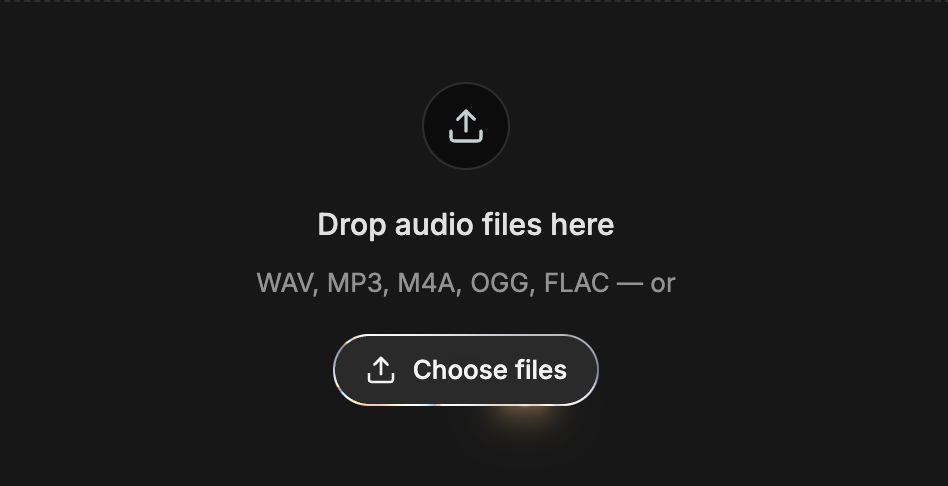
A2V lets creators batch-upload audio tracks (.wav, .mp3, .m4a, .ogg, .flac) and instantly wrap them into clean, still-frame MP4 videos matched to the exact millisecond of the audio. Once dropped into Figma or Miro, the clips play natively on the canvas like any other video.
Key Features
Dual Visual Modes
Render clean, customizable filename text or upload a transparent brand PNG/logo with custom scale control.
Micro & Macro Styling
Real-time canvas preview, 15 curated font stacks, bold/italic/underline, custom color swatches, and global or per-clip font resizing.
Smart Clip Numbering
Auto-sequence track numbers (01, 02, etc.) centered or docked to the top-left corner.
100% Client-Side
Zero server uploads, zero privacy concerns, and zero backend cost. Videos are transcoded directly in the browser via ffmpeg.wasm and packaged into a one-click ZIP download.